
Finding the best free project management software can be a challenge, especially for businesses invested in the Salesforce ecosystem. The right platform can transform how your organisation coordinates tasks, tracks progress, and delivers projects on time. Many businesses struggle with chaotic workflows, missed deadlines, and poor team collaboration—problems that are amplified when project data is disconnected from your core CRM. Free tools offer a powerful, no-cost solution to centralise project information, automate routine tasks, and create a single source of truth that aligns project delivery with your sales and service teams.
This guide is designed for Salesforce decision-makers, providing a detailed analysis of top free platforms and how they can solve real-world business challenges. We’ll move beyond generic feature lists to give you practical insights into each tool's strengths, limitations, and ideal use cases within a Salesforce context. For each option, you will find a clear breakdown of its free plan, including user limits and feature restrictions, accompanied by screenshots and direct links. Our focus is on how these tools can integrate with core systems like Sales Cloud and Service Cloud to enhance your CRM and project delivery capabilities.
Our goal is to help you select a solution that not only organises work but also scales with your business needs. As a Salesforce partner, we've seen firsthand how the right project management tool can bridge the gap between sales promises and operational delivery. While these free options are excellent, teams focused on specific methodologies may also want to explore paid solutions. For a deeper dive into specialised platforms, you might find valuable insights in this list of the 12 best agile project management tools for 2025 to compare with these free alternatives. Let's find the perfect fit for your projects.
1. Atlassian Jira Software
Business Challenge: Agile development teams often work in silos, disconnected from customer support requests logged in Salesforce Service Cloud. This leads to slow bug resolution and a lack of transparency for the customer service team.
The Salesforce Solution: Atlassian Jira Software's free plan is one of the best free project management software options for tech-focused teams. Its real power for Salesforce users is the seamless connection between development work and customer relationship data. By linking Jira issues to Salesforce cases in Service Cloud, support teams gain direct visibility into bug fixes and feature requests, creating a unified view of the customer journey from a single CRM record.
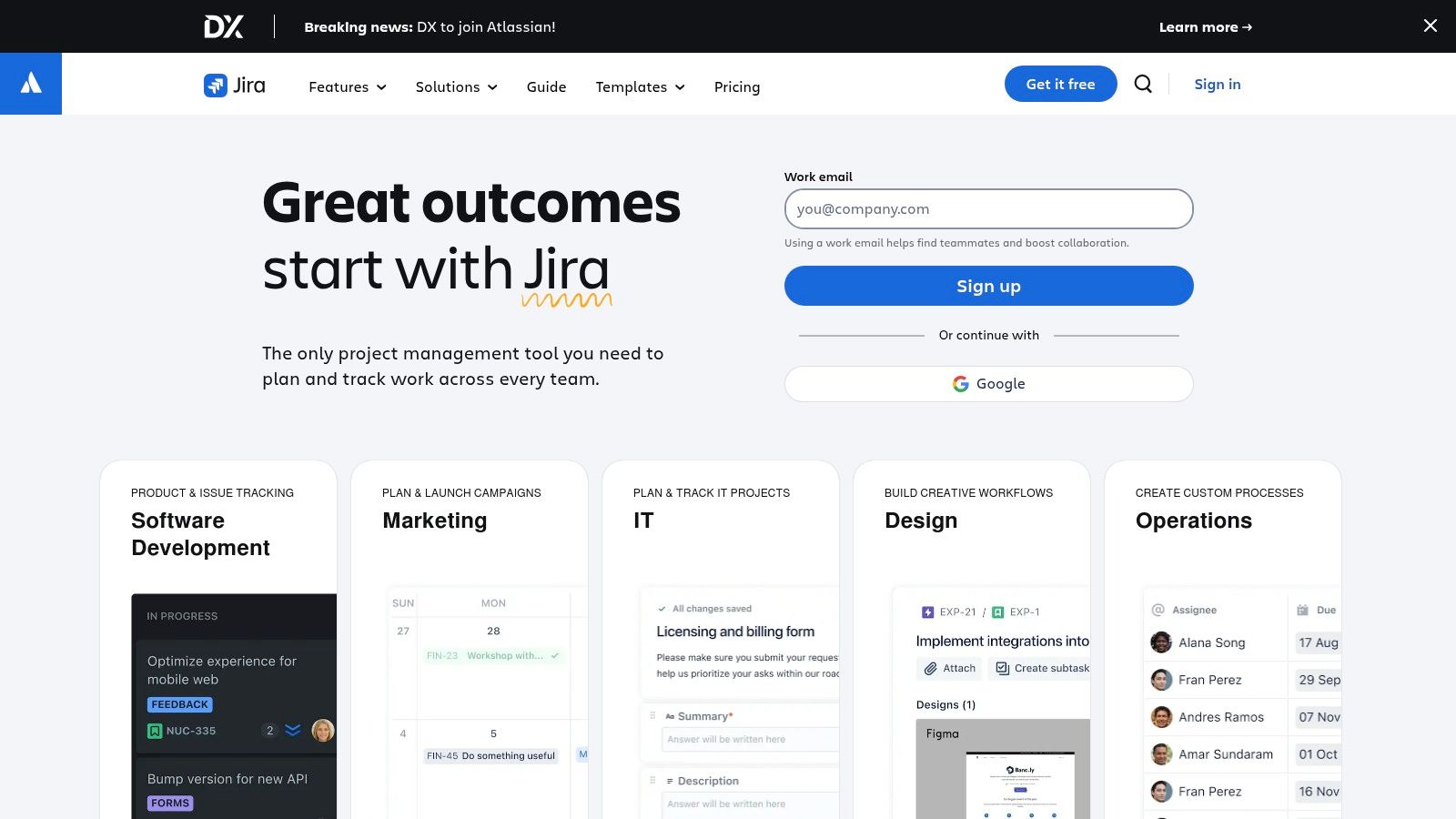
Results & Benefits: This digital transformation creates a transparent feedback loop. Support agents can update customers with real-time status changes, and developers have the full context of a customer's issue directly from the Salesforce case. It streamlines collaboration and improves the overall customer experience.
Key Features:
- Scrum and Kanban boards with backlogs and roadmaps
- Automation rules with a monthly execution limit
- Basic reporting and dashboard widgets
- Integration with thousands of apps, including robust Salesforce connectors
Limitations:
- The free tier is limited to 10 users and 2 GB of storage.
- Support is community-based only on the free plan.
- For teams outside of software development, the terminology can feel overly complex for simple task management.
- Australian data residency is only available on paid tiers.
2. Trello
Business Challenge: A sales team using Salesforce Sales Cloud needs a simple, visual way to track the pre-sales and onboarding process for new opportunities, but adding custom objects in Salesforce is too complex for their immediate needs.
The Salesforce Solution: Trello champions simplicity with its visual, Kanban-style approach, making it one of the best free project management software choices for teams that value clarity. For organisations using Salesforce, the free plan allows one "Power-Up"—the official Salesforce integration. This connects Trello cards directly to Salesforce records like Leads or Opportunities. The sales team can manage their deal pipeline visually in Trello, with each card linking back to the full Opportunity record in Sales Cloud.
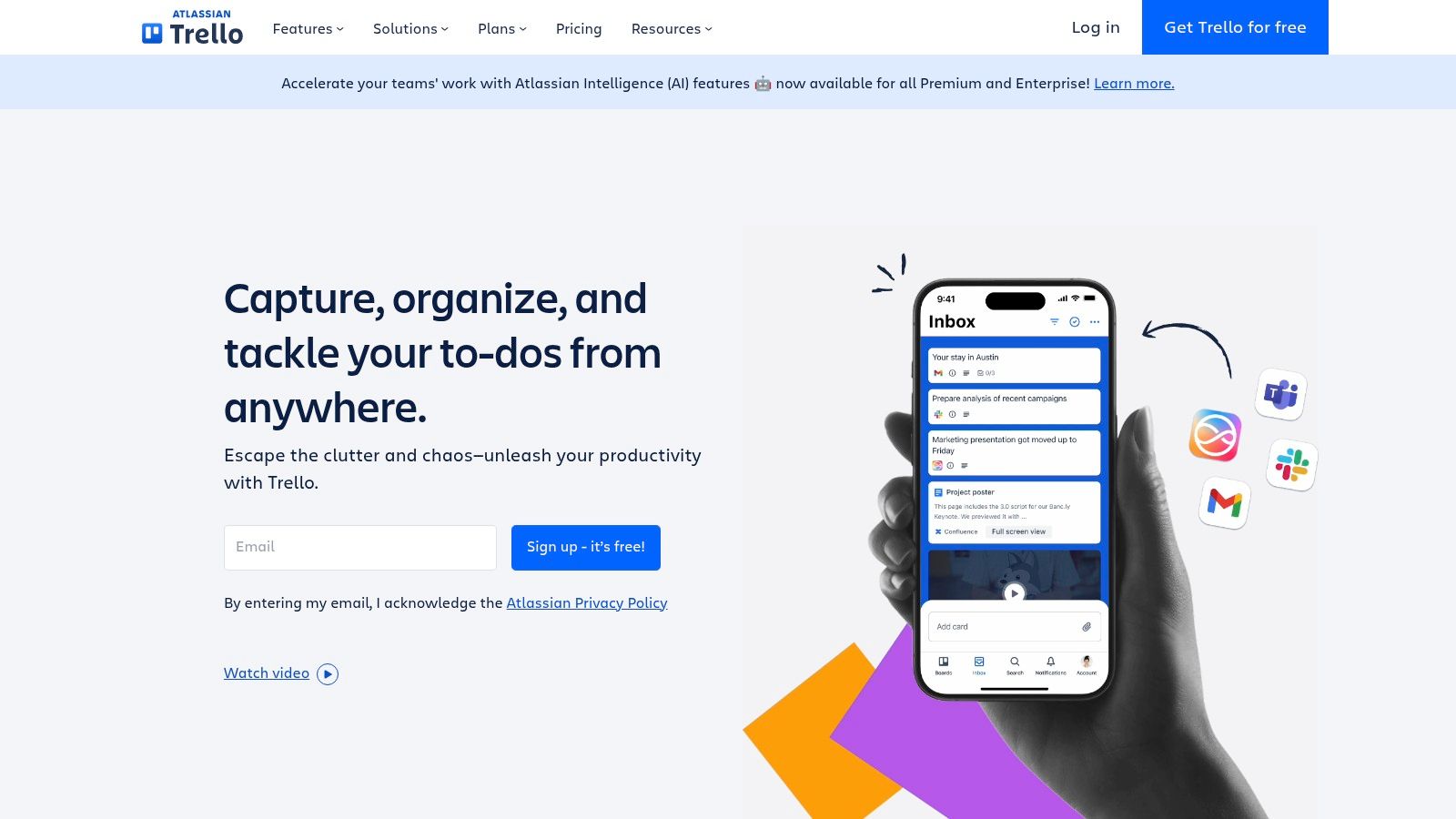
Results & Benefits: This creates a simple yet powerful front-end for their CRM data. The team gets a clear, drag-and-drop view of their pipeline stages without needing custom Salesforce development, while all critical customer data remains centralised in Sales Cloud.
Key Features:
- Unlimited cards and members on boards
- Up to 10 boards per workspace
- One Power-Up per board (e.g., Salesforce, Slack, Google Drive)
- Butler automation for creating rules and scheduled commands
Limitations:
- File attachments are capped at 10 MB per file on the free tier.
- Lacks advanced reporting, time tracking, or dependency features found in more complex tools.
- The 10-board limit per workspace can be restrictive for growing teams managing multiple projects.
- Best suited for simpler workflows; can become cluttered with highly complex, multi-stage projects.
3. Asana
Business Challenge: A professional services firm finds that after a deal is closed in Salesforce Sales Cloud, the handover to the project delivery team is often manual and chaotic, leading to delays and missed client requirements.
The Salesforce Solution: Asana is a popular work management platform whose free plan is one of the best free project management software choices for small teams. For organisations using Salesforce, Asana's free integrations allow teams to create and link tasks directly from Salesforce records like Opportunities or Cases in Sales Cloud or Service Cloud. This connection bridges the gap between sales, service, and project delivery teams.
Results & Benefits: The handover process becomes seamless. When an Opportunity is won, key project tasks can be automatically generated in Asana and linked back to the Salesforce record. This ensures that client work is actioned and tracked efficiently without leaving the Salesforce environment, creating a more organised and accountable workflow from day one.
Key Features:
- List, board, and calendar views for tasks
- Unlimited tasks, projects, and file storage (100MB per file)
- Collaboration with up to 10 teammates
- Over 100 free integrations, including key Salesforce connectors
Limitations:
- The free plan lacks Timeline (Gantt chart) views and advanced automation rules.
- Reporting capabilities are very basic on the free tier.
- Seat and billing rules can become complex when scaling your team to paid plans.
- No custom fields are available for task organisation in the free version.
4. ClickUp
Business Challenge: A small business needs an all-in-one solution to manage client projects, but they want to ensure all project activities are tied back to the customer's account record in Salesforce for a complete 360-degree view.
The Salesforce Solution: ClickUp's "one app to replace them all" philosophy makes its free forever plan one of the best free project management software choices available. It offers docs, goals, and various project views in one platform. For organisations using Salesforce, ClickUp's integration can connect tasks directly to objects like Accounts or Opportunities. This allows teams to manage deal-related tasks within ClickUp while maintaining a clear link back to the customer record in Salesforce.
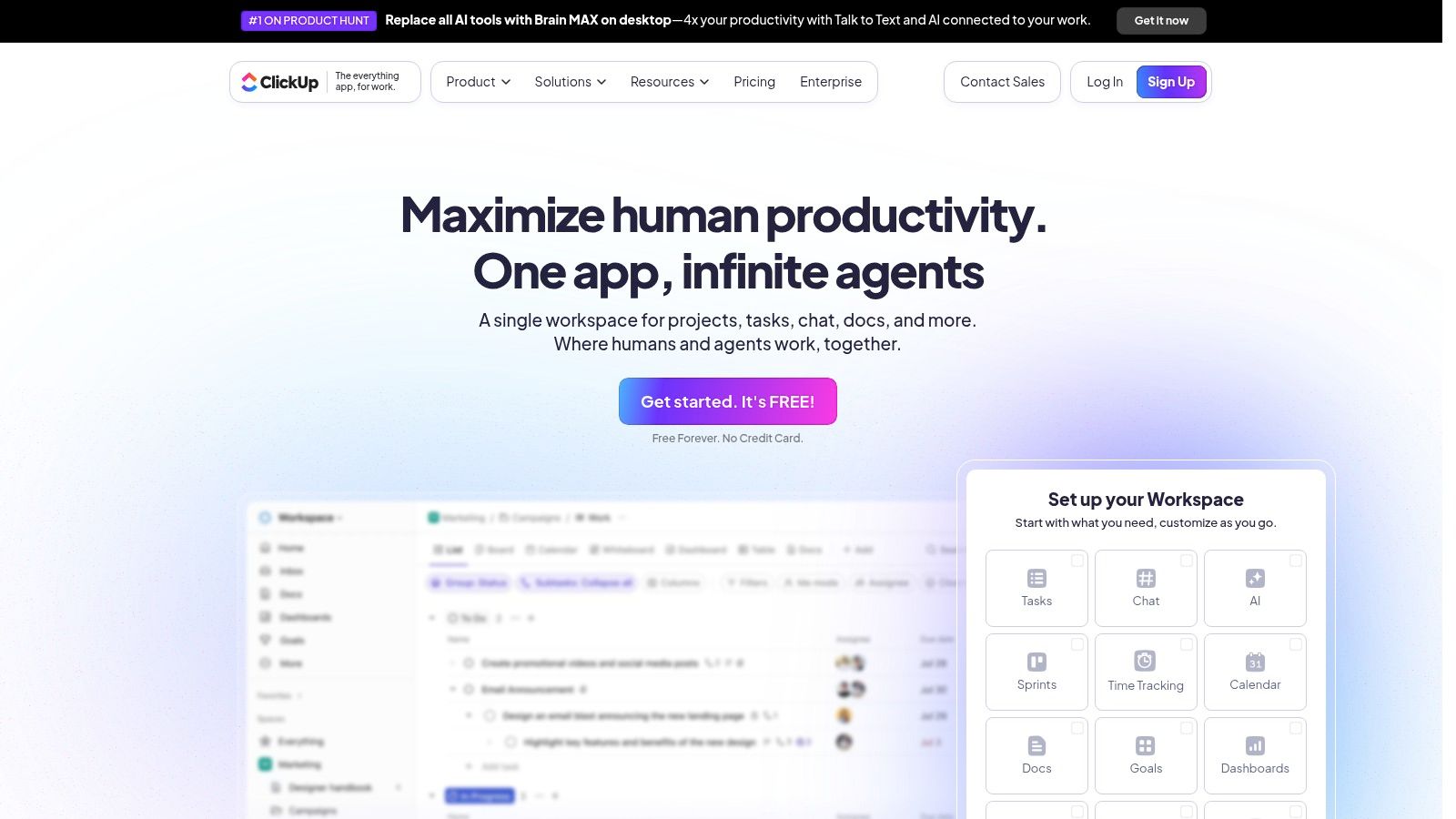
Results & Benefits: This streamlines project delivery alongside sales activities. The sales team can see project progress from the Salesforce Account page, and the delivery team has the full client context, reducing miscommunication and ensuring a unified approach to client management.
Key Features:
- Multiple project views, including List, Board, Calendar, and Gantt
- Custom fields, statuses, and templates for tailored workflows
- Built-in real-time chat, whiteboards, and collaborative document editing
- Native time tracking and goal-setting functionalities
Limitations:
- The free plan has a strict 100 MB storage limit.
- Advanced features like custom exports, automations, and certain dashboard widgets are limited or unavailable.
- The sheer number of features can present a steep learning curve for new users.
- Access to advanced reporting and analytics is reserved for paid tiers.
5. monday.com
Business Challenge: A small startup with two founders needs a highly visual way to track both their sales pipeline and initial client onboarding projects, but they find native Salesforce reporting less intuitive for their needs.
The Salesforce Solution: Known for its vibrant interface, monday.com offers a free plan that's an excellent entry point for pairs of collaborators. While the free tier is basic, it introduces the platform's potential. For businesses using Salesforce, monday.com’s paid plans unlock powerful integration capabilities. This allows teams to sync CRM data from Sales Cloud or Service Cloud directly into monday.com boards.
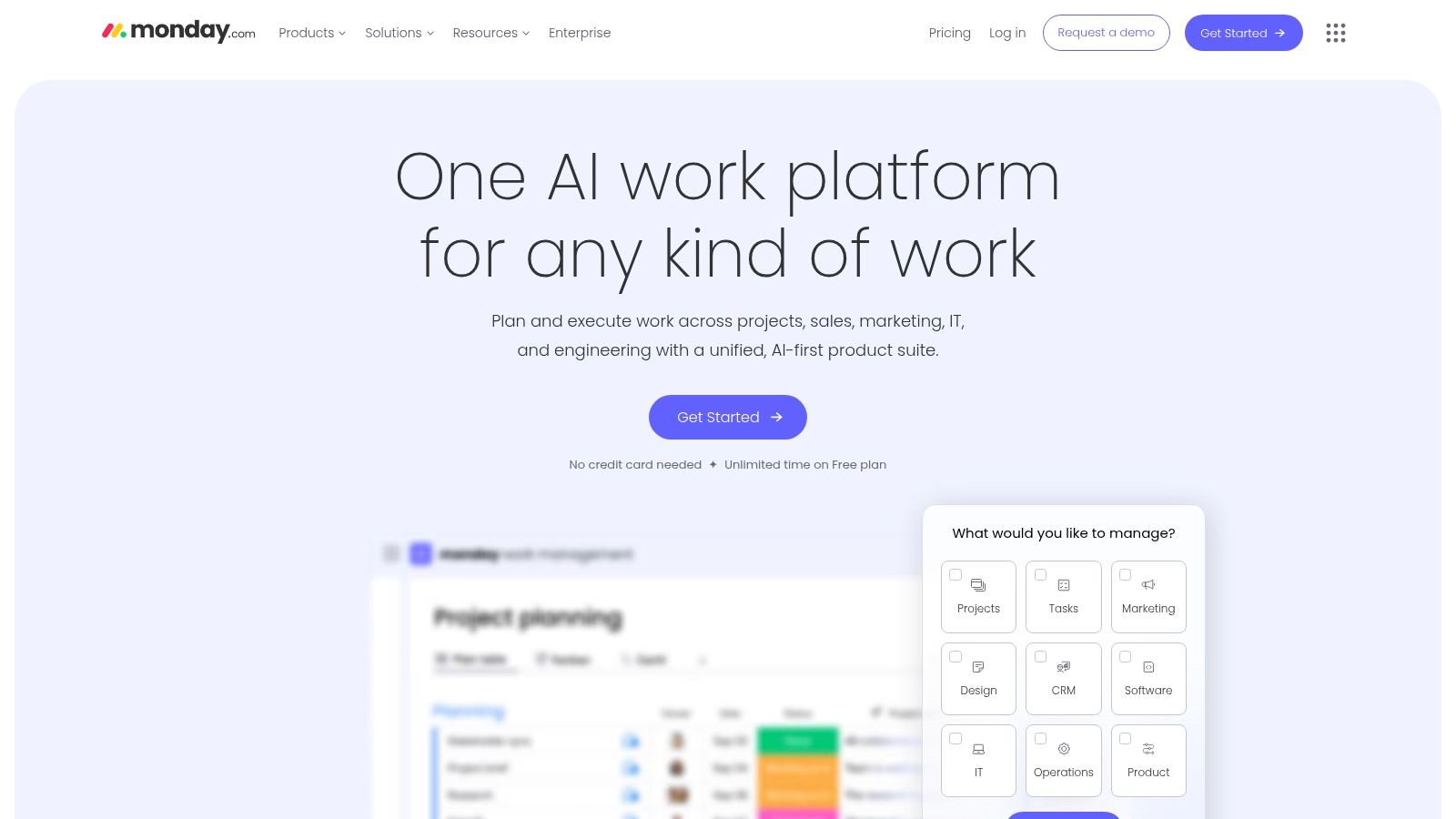
Results & Benefits: By starting with the free plan, the startup can organize their initial workflows. As they grow, they can upgrade to create a centralised hub for managing client projects, tracking deliverables against customer accounts in Salesforce, and improving collaboration. This makes it one of the best free project management software options to start with before scaling up your Salesforce integration.
Key Features:
- Up to 3 boards with customisable columns
- Over 200 pre-built templates for various use cases
- Unlimited docs for knowledge sharing
- iOS and Android mobile applications for on-the-go access
Limitations:
- Strictly limited to 2 users (seats) on the free plan.
- Automations and integrations (including with Salesforce) are exclusive to paid tiers.
- Essential project views like Gantt, timeline, and calendar are not included in the free version.
- Storage is capped at 500 MB.
6. Notion
Business Challenge: A marketing team using Salesforce Account Engagement (Pardot) struggles to manage complex campaign documentation, content briefs, and creative assets in a way that’s easily accessible and linked to their campaign records in Salesforce.
The Salesforce Solution: Notion blends notes, documents, and project management, making it one of the best free project management software options for customisation. It serves as an ideal central knowledge base. For a marketing team, Notion can be an internal wiki for documenting campaign plans and creative briefs that complement Account Engagement strategies. While it lacks a direct native integration, using tools like Zapier allows teams to create automated workflows, such as generating a new Notion project page when a new Campaign is created in Salesforce.
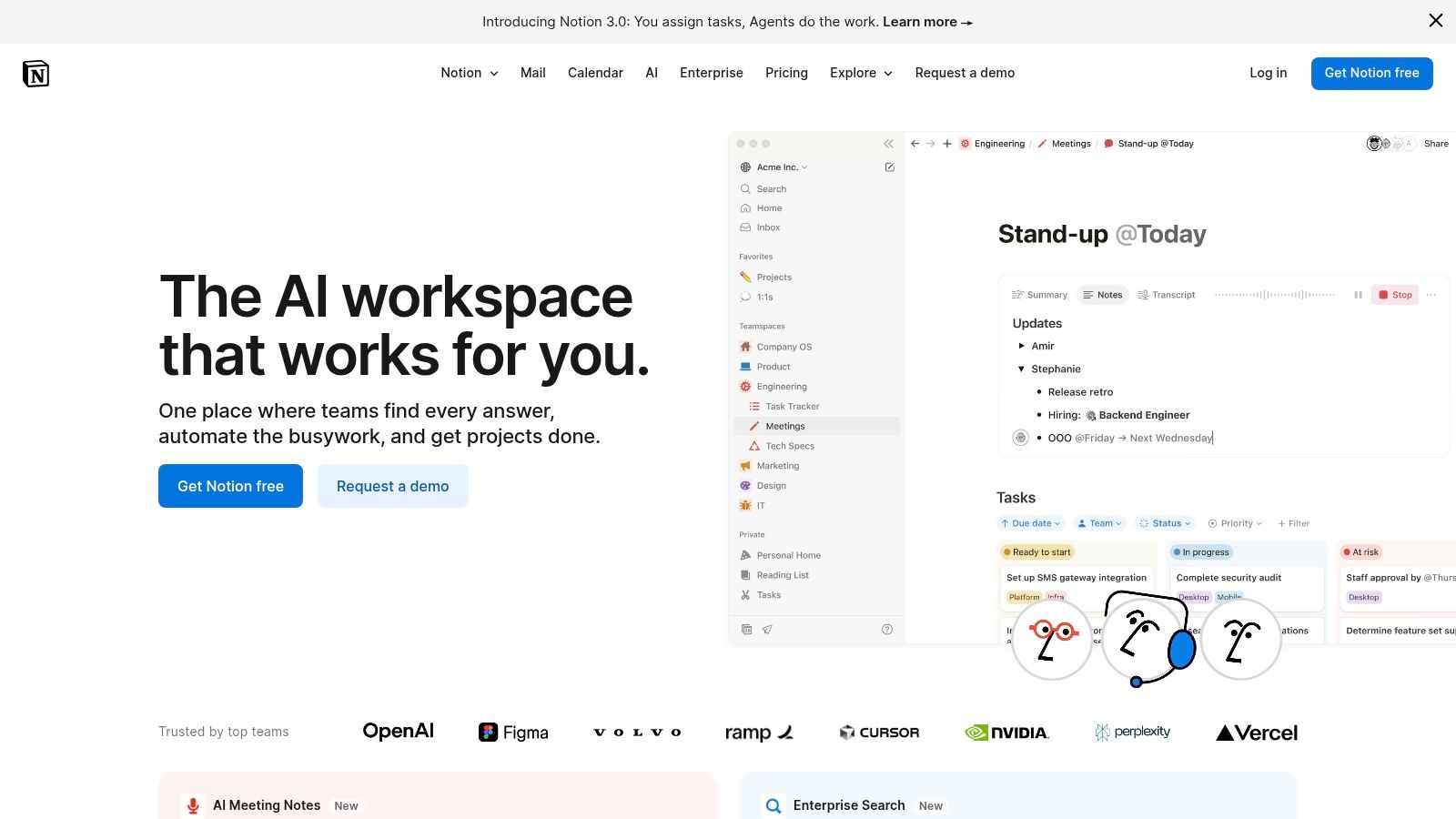
Results & Benefits: This approach unifies campaign strategy documentation with execution data in the CRM. The marketing team has a flexible, collaborative space for creative development, while key campaign metrics and member status remain tracked in Salesforce, creating a holistic view of marketing efforts.
Key Features:
- Customisable databases with Kanban, calendar, timeline, and list views
- Unlimited pages and blocks for individuals on the free plan
- Collaborative features like commenting, mentions, and page sharing
- Rich content embedding and a wide array of community templates
Limitations:
- Free workspaces with multiple members have a limited block trial.
- The 5 MB file upload limit on the free plan can be restrictive.
- Lacks the advanced reporting and specific project management features of dedicated tools.
- Can have a steeper learning curve due to its open-ended nature.
7. Airtable
Business Challenge: An events team needs to manage logistics, speaker details, and attendee lists for a customer conference. Storing this operational data directly in Salesforce would be cumbersome, but they need to link event attendance back to Contact and Lead records in the CRM.
The Salesforce Solution: Airtable merges the simplicity of a spreadsheet with the power of a database, making it one of the best free project management software options for organising structured data. It can act as a lightweight, flexible database for projects that don't need to live directly within the CRM. The events team can manage all conference logistics in Airtable and then use integrations to sync attendee lists back to a Salesforce Campaign, ensuring marketing and sales teams have a full picture of customer engagement.
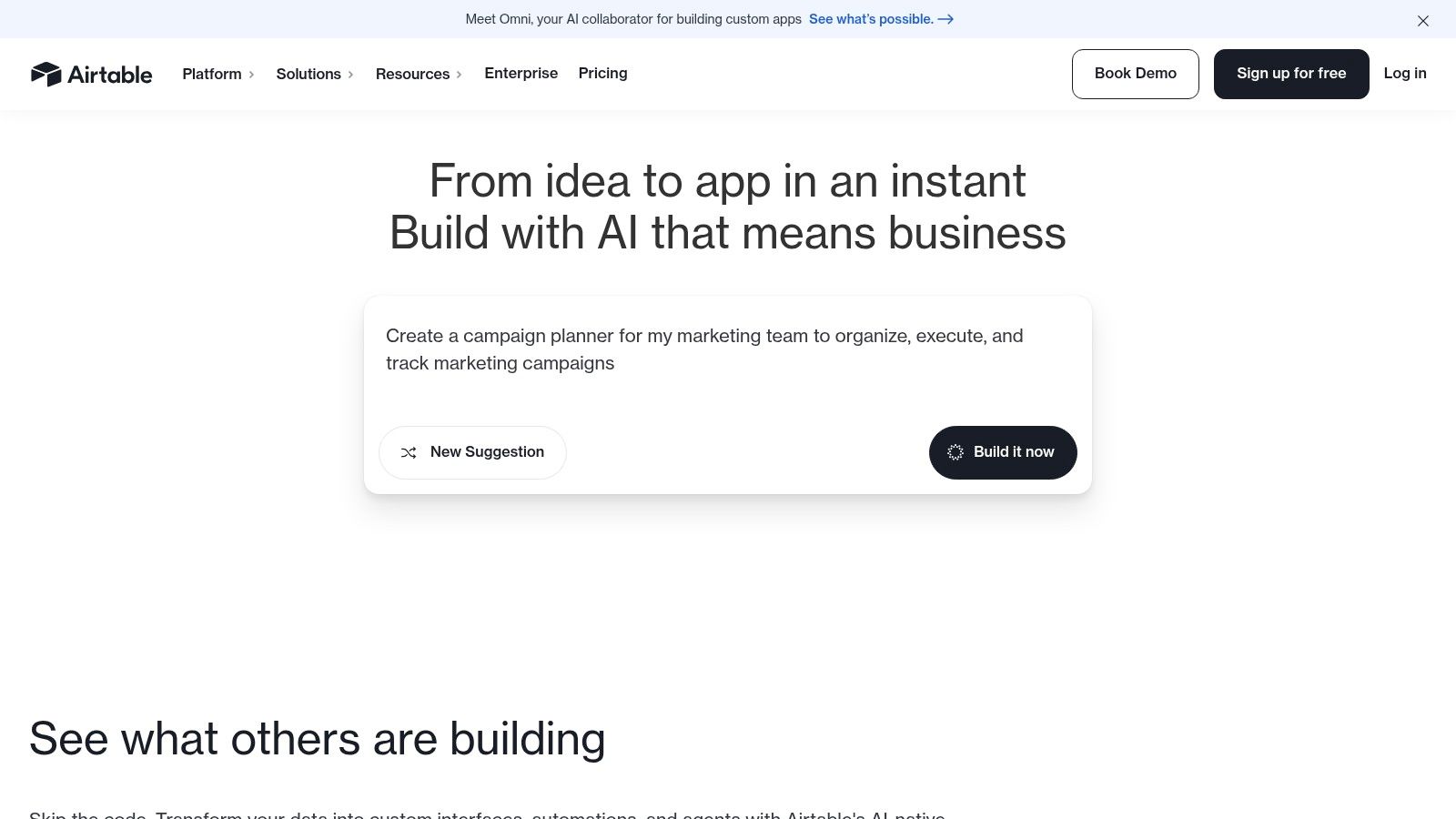
Results & Benefits: This approach provides the best of both worlds: a flexible, user-friendly interface for the events team and clean, structured data in Salesforce for the sales and marketing teams. This digital transformation improves data management without requiring complex Salesforce customizations.
Key Features:
- Multiple views including Grid, Kanban, Calendar, and Timeline
- Automations and forms with limits on the free plan
- Powerful filtering, grouping, and relational data links between tables
- Robust API and a wide range of integration capabilities
Limitations:
- Free plan is limited to 1,000 records per base and 1 GB of attachment storage, which can be restrictive for data-heavy projects.
- The free tier is a downgrade from a 14-day Pro trial, which can be confusing for new users expecting certain features to remain.
- Advanced features like Gantt charts and richer automations are locked behind paid tiers.
8. Wrike
Business Challenge: A growing company needs a scalable project management tool that can start free but eventually offer enterprise-grade features. A key requirement is ensuring that project status is visible directly within Salesforce so that account managers are always informed.
The Salesforce Solution: Wrike offers one of the best free project management software plans for teams looking to start simple and scale up. Its strength lies in customisation and powerful integrations. For organisations using Salesforce, Wrike provides a bridge between project delivery and CRM. Teams can connect Wrike tasks to Salesforce objects like Accounts or Opportunities, giving sales and service teams clear visibility into project progress directly within their CRM.
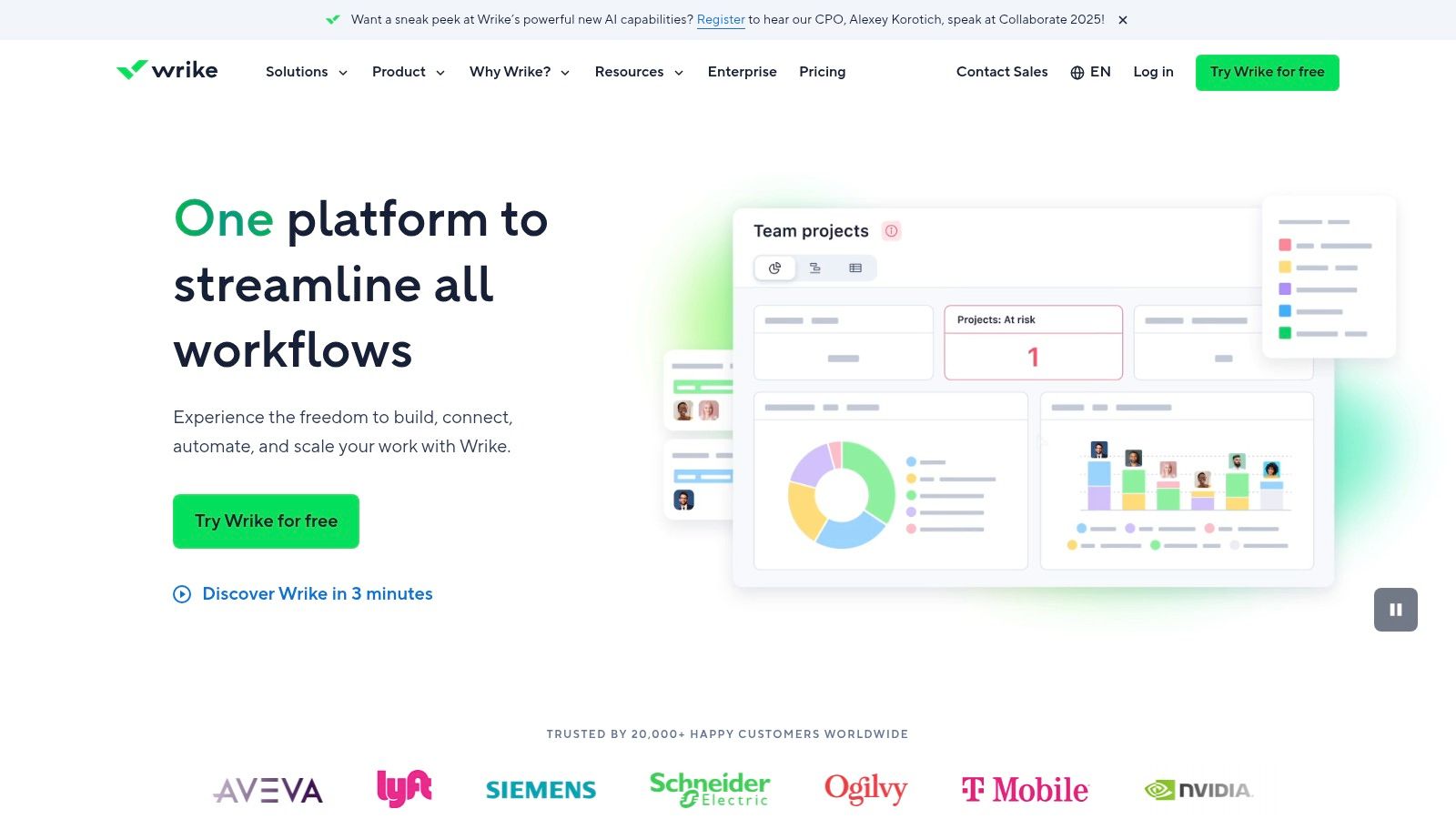
Results & Benefits: This creates a cohesive workflow where client-facing teams are always informed about the status of related projects without having to switch platforms. This automation improves internal communication and provides a more professional and proactive customer experience.
Key Features:
- Task and project management with board and table views
- Available on web, desktop, and mobile platforms
- Customisable request forms to streamline work intake
- Integration with cloud storage and key business apps
Limitations:
- The free plan lacks Gantt charts, time tracking, and custom fields.
- Advanced automation and reporting are reserved for paid tiers.
- The number of active tasks is limited on the free plan.
- Data residency options are a premium feature.
9. Zoho Projects
Business Challenge: A small business is looking for a comprehensive project management tool but is concerned about costs. They use Salesforce as their primary CRM and need a solution that can eventually align project execution with their sales data.
The Salesforce Solution: Zoho Projects offers a mature and feature-rich platform, making its free plan one of the best free project management software options for small businesses. While a direct, native connection to Salesforce requires a paid Zoho plan and a third-party integrator, the value lies in its potential as a complete business suite. As a starting point, teams can manage customer-facing projects in Zoho and manually align them with sales data from their CRM.
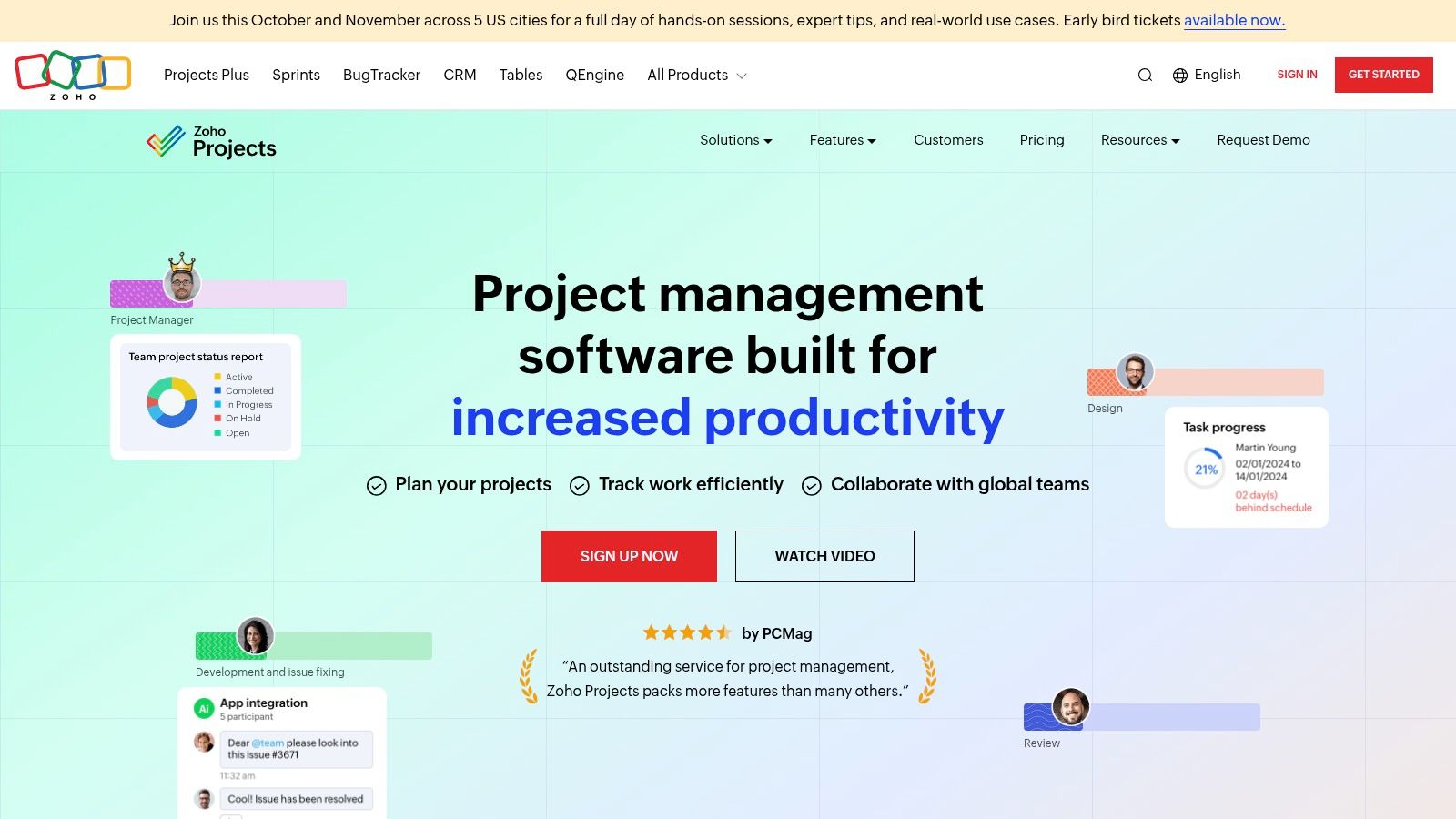
Results & Benefits: The free plan allows the business to establish structured project management processes. As they scale, they can invest in an integration solution to ensure deliverables are tracked against customer agreements and timelines in Salesforce, which is crucial for professional services firms looking to improve efficiency.
Key Features:
- Task and subtask management with dependencies
- Basic Gantt chart viewer for project timelines
- Collaboration tools, including a project-specific calendar and forum
- Integration with Zoho apps and other third-party tools on paid plans
Limitations:
- The free plan is limited to 3 projects and 5 users, with 5 GB of storage.
- Advanced features like workflows, automation, and detailed reporting require paid upgrades.
- The user interface can feel dense for first-time users compared to more modern alternatives.
- Deep Salesforce integration is not native and requires middleware.
10. Bitrix24
Business Challenge: A rapidly growing organisation needs a free tool that supports an unlimited number of users for company-wide collaboration, while still allowing for potential integration with their central Salesforce CRM to keep customer data synchronised.
The Salesforce Solution: Bitrix24's all-in-one suite makes it one of the best free project management software options for organisations seeking a unified workspace, as its free plan supports unlimited users. Its strength lies in its built-in CRM functionality, which can act as a secondary system or internal collaboration hub. For businesses committed to Salesforce as their primary CRM, Bitrix24 serves as a powerful internal project tool, with the potential for integration via middleware to sync client data.
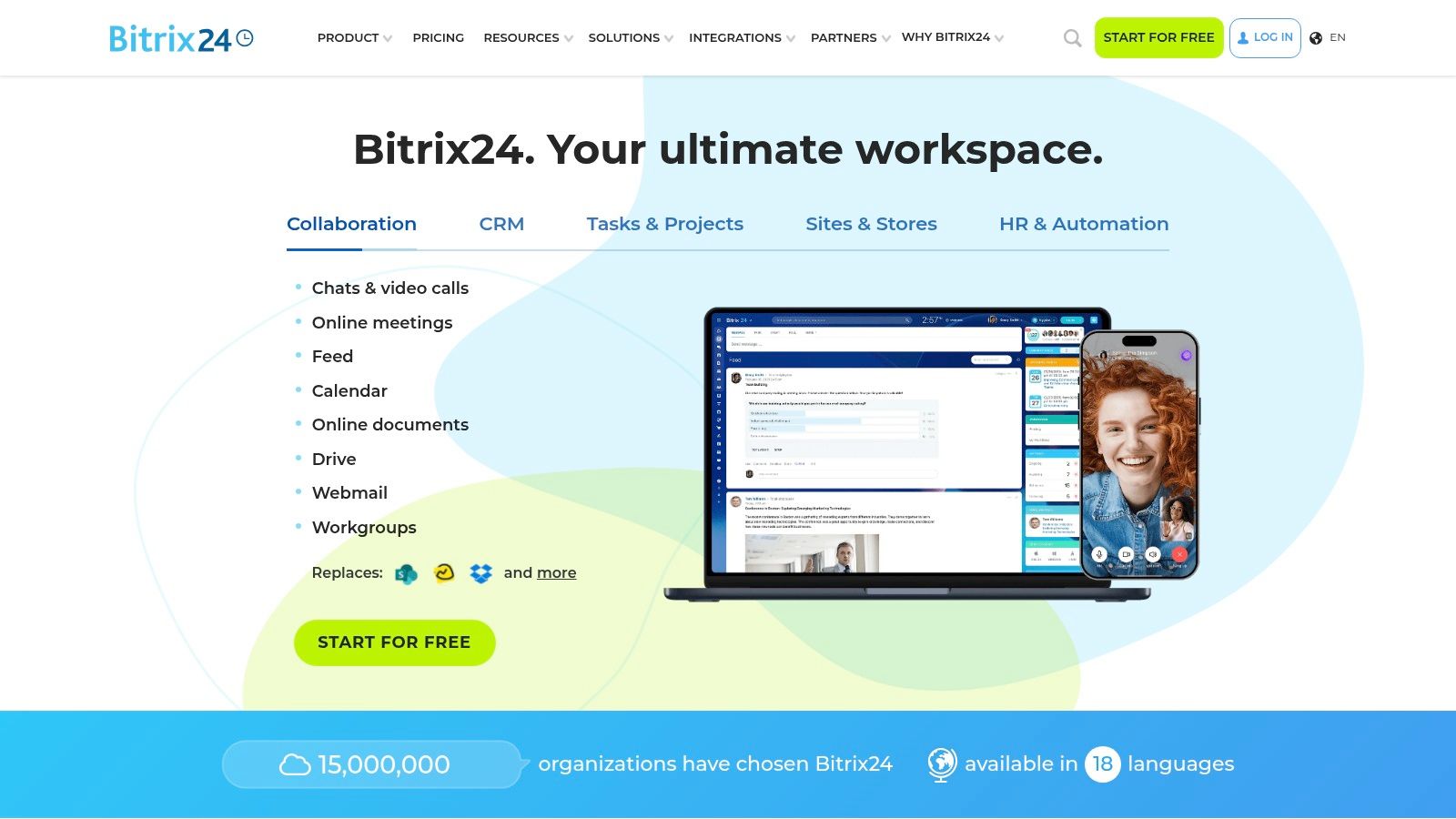
Results & Benefits: This ensures project teams working in Bitrix24 have the context they need from sales and service interactions logged in Salesforce. This setup promotes a cohesive operational workflow, allowing the entire organisation to collaborate freely without user-based costs, while key customer lifecycle data remains managed within Salesforce.
Key Features:
- Kanban, Gantt, and list views for task and project management
- Built-in collaboration tools including chat, video calls, and file sharing
- Free CRM module for managing leads and clients
- Cloud and optional on-premises deployment
Limitations:
- The interface can feel cluttered and overwhelming for new users due to its vast feature set.
- Advanced project management and automation features are reserved for paid tiers.
- The free plan includes 5 GB of online storage, which may be limiting for larger teams.
- Getting the most out of the platform often requires a significant time investment in setup and training.
11. Freedcamp
Business Challenge: A budget-conscious startup needs a functional project management tool with no user limits. Their key business process involves kicking off a new client project as soon as a deal is won in Salesforce Sales Cloud, and they want to automate this handover.
The Salesforce Solution: Freedcamp is one of the best free project management software choices for small businesses due to its unlimited projects, tasks, and users on the free tier. While its native integration ecosystem is less extensive, Freedcamp can connect to Salesforce through Zapier. This allows the startup to automate a critical workflow: creating a new project in Freedcamp the moment an Opportunity is marked ‘Closed Won’ in Salesforce.
Results & Benefits: This simple automation maintains alignment between sales outcomes and project delivery without any manual intervention. New client work is initiated promptly, reducing administrative overhead and ensuring a smooth transition from sales to operations, all on a free platform.
Key Features:
- Unlimited projects, tasks, and users on the free plan
- Core modules include tasks, milestones, a calendar, and discussion boards
- File sharing with 10 MB of free storage
- Zapier integration to connect with Salesforce and other apps
Limitations:
- The free plan has a 10 MB file size limit and limited storage.
- Advanced features like Gantt charts, issue tracking, and reporting are locked behind paid tiers.
- Fewer direct, enterprise-grade integrations compared to larger competitors.
- Support on the free plan is limited to email.
12. Capterra Australia – Free PM Software Category
Business Challenge: An Australian business leader knows they need a project management tool that integrates with Salesforce but is overwhelmed by the number of global options and isn't sure which ones are well-supported locally.
The Salesforce Solution: Capterra Australia’s curated directory is an invaluable resource for finding the best free project management software tailored to local needs. For businesses using Salesforce, Capterra allows you to shortlist free tools and then investigate their specific Salesforce integration potential. By reading Australian user reviews, you can gain insights into how well a free tool performs for local businesses, helping to validate its suitability before committing time to a trial.
Results & Benefits: The platform simplifies the discovery process significantly. It empowers decision-makers to quickly identify a shortlist of viable, locally-vetted options that are likely to meet their technical and business requirements, including compatibility with their Salesforce CRM.
Key Features:
- Curated lists of free project management tools with user reviews
- AU-specific filters for pricing, features, and industry
- Side-by-side product comparisons
- Direct links to vendor websites for sign-up and trials
Limitations:
- It is a directory, not a software platform, so you cannot manage projects directly.
- Sponsored placements can influence the default rankings, though these are clearly labelled.
- The sheer number of options can still be overwhelming without a clear set of requirements.
- You must visit third-party sites to evaluate each tool’s Salesforce integration capabilities.
Visit Capterra Australia – Free PM Software Category
Top 12 Free Project Management Tools Comparison
| Tool | Core Features | User Experience | Value Proposition | Target Audience | Price Points |
|---|---|---|---|---|---|
| Atlassian Jira Software | Scrum/Kanban boards, marketplace apps, automation | Strong global adoption, supports AU data residency | Free for up to 10 users, paid tiers with enhanced compliance | Small teams using Agile | Free up to 10 users; paid tiers for advanced features |
| Trello | Kanban boards, drag-and-drop, Power-Ups | Intuitive UI, easy onboarding | Free with templates and integrations | Individuals, small groups | Free up to 10 collaborators; paid upgrades available |
| Asana | Multiple views, unlimited tasks, 100+ integrations | Balanced usability and functionality | Robust free plan for small teams | Small teams, growing teams | Free up to 10 users; paid for advanced features |
| ClickUp | Multi-view, time tracking, automation | Highly flexible, feature-rich free tier | Broad free plan ideal for solo/tiny teams | Solo users, tiny teams | Free tier generous; paid plans add advanced options |
| monday.com | Customizable boards, templates, mobile apps | Clean UI, quick setup | Simple free plan for two users | Small teams, startups | Free for 2 users; upgrades unlock automations |
| Notion | Custom databases, pages/blocks, AI add-on | Highly customizable workspace | Unlimited content for individuals | Individuals, personal use | Free for individuals; limits apply on blocks and uploads |
| Airtable | Grid/Kanban/calendar views, automations | Powerful filtering and API | Free plan with 1,000 records/base | Structured project tracking | Free with limits; paid plans for more capacity |
| Wrike | Task/project mgmt, multiple views, templates | Modern UI, scalable features | True free plan for small teams | Small teams, enterprises | Free plan available; paid tiers for automation |
| Zoho Projects | Tasks/subtasks, Gantt charts, collaboration | Integrated with Zoho suite | Supports startups/SMBs well | SMBs, startups | Free for 5 users & 3 projects; affordable upgrades |
| Bitrix24 | Project mgmt, CRM, collaboration tools | All-in-one suite, unlimited users on free plan | Cost-effective for broad collaboration | Organizations, large teams | Free unlimited users; flat-rate paid plans |
| Freedcamp | Task mgmt, milestones, calendar | Practical free plan, affordable paid tiers | Budget-friendly with unlimited projects | Small teams, budget-conscious | Free tier usable; paid plans affordable |
| Capterra Australia | Curated AU-specific free PM tools | Transparency in listings | Helps find & validate AU-relevant software | Australian PM users | Free to browse |
Final Thoughts
Navigating the landscape of project management software can feel overwhelming, but for Salesforce-centric businesses, the goal is clear: find a tool that streamlines workflows and enhances your investment in your CRM. Throughout this guide, we've explored the best free project management software through the lens of solving real business challenges, from Jira's deep developer integration with Service Cloud to Trello's visual simplicity for Sales Cloud pipelines. Each tool offers a unique path to organising tasks and collaborating effectively.
The key takeaway is that the ideal choice depends on your team's specific needs, your current Salesforce setup, and your goals for digital transformation. A marketing team might thrive with Airtable's flexible data structures linked to Salesforce Campaigns, while a professional services firm could benefit from Wrike's scalability and direct visibility into projects from the Salesforce Account record. The most critical step is to evaluate how a tool aligns with your team's day-to-day reality within the Salesforce ecosystem.
Your Action Plan for Selecting the Right Software
Before committing, even to a free plan, consider these final steps to ensure you make a confident and strategic decision:
- Define Your Core Needs: What is the primary problem you are trying to solve? Is it task tracking, resource allocation, client collaboration, or something else entirely? Create a short, non-negotiable list of required features.
- Consider Your Team's Tech Savviness: A powerful tool with a steep learning curve can hinder adoption. Choose software that matches your team’s comfort level with technology to ensure it gets used effectively. Asana and monday.com, for instance, are often praised for their user-friendly interfaces.
- Test with a Pilot Project: Select a small, low-risk project and run it through your top two or three software choices. This hands-on experience is invaluable and will quickly reveal a tool's practical strengths and limitations far better than any demo.
- Plan for Scalability: Your business will grow, and your needs will evolve. Look at the paid tiers of your preferred free software. Does the upgrade path make sense? Are the premium features aligned with your long-term goals? A free plan is a great start, but it should also serve as a gateway to a scalable future.
- Integrate with Your Salesforce CRM: For many organisations, the project lifecycle is intrinsically linked to the customer journey. Evaluating how a project management tool integrates with Salesforce can be a game-changer. A seamless connection can automate workflows, provide a 360-degree view of client projects, and ensure data consistency between your sales and delivery teams.
Ultimately, adopting any of the best free project management software is about empowering your team to do their best work. It's about replacing chaotic email threads and messy spreadsheets with a centralised, transparent system. Once you've chosen your ideal software, further enhance your project oversight by exploring essential project management reporting templates to keep your stakeholders informed and your projects on track. The right platform, integrated with your Salesforce cloud solutions, will not just organise tasks; it will transform how your team collaborates and succeeds.
While the right software is a critical first step, integrating it seamlessly with your core business systems, like Salesforce, unlocks its true potential. As a Salesforce partner, Adaptal specialises in Salesforce implementation and integration, helping businesses connect their project management tools to their CRM for a unified view of customer and project data. If you're ready to elevate your project delivery within the Salesforce ecosystem, explore how Adaptal can build the bridges between your teams and technologies.