
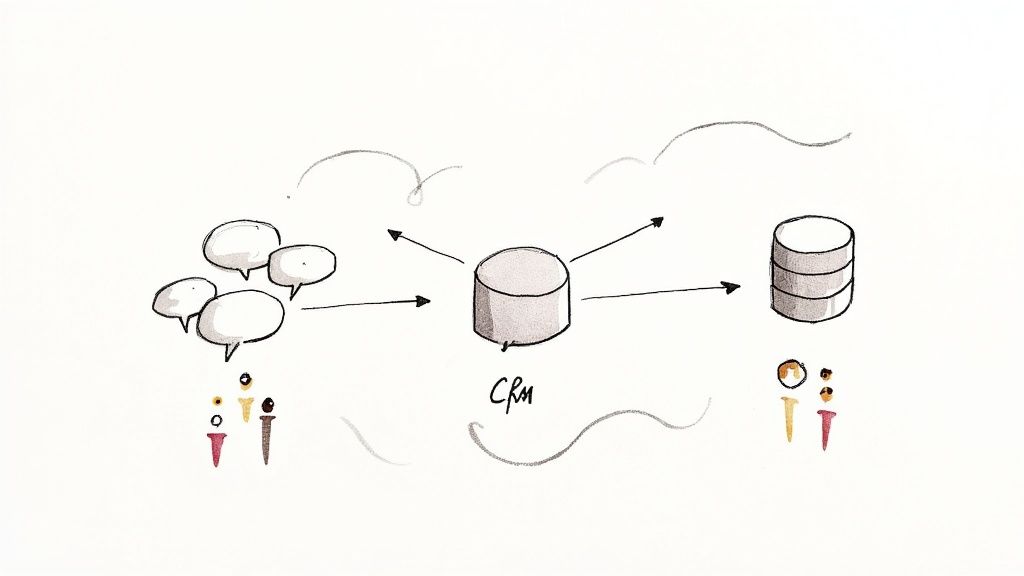
Every sales team knows the friction. Important deal updates get buried in one application while crucial customer data lives in Salesforce. It's a classic case of information silos, and it grinds the entire sales cycle to a halt. The solution? Slack for Salesforce, an integration that pulls everything together into a unified 'digital HQ' where conversations and your CRM data can finally coexist to drive business forward.
Bridging Your Collaboration and CRM Gap
In many organisations, a fundamental disconnect exists between how teams collaborate and how they manage customer data. The sales team might live inside Salesforce, meticulously updating opportunities and logging every customer interaction. Meanwhile, the rest of the company—marketing, finance, technical support—is collaborating in real-time within Slack, solving problems and developing strategies. This separation forces constant, painful context switching.
This fragmented approach inevitably leads to several common business challenges:
- Delayed Decisions: Momentum on critical approvals or customer responses stalls while waiting for someone to log into Salesforce and retrieve the latest information.
- Lost Context: Important conversations happening in a Slack channel about a major account are completely invisible to anyone viewing that account's record in Salesforce.
- Productivity Drain: Team members waste valuable time manually copying and pasting information between platforms, a process that invites errors and inefficiency.
Unifying Communication and Data with a Proven Salesforce Solution
The Slack for Salesforce integration addresses this problem head-on by bringing your CRM data directly into your collaboration hub. Instead of treating Salesforce as a static database and Slack as a separate chat tool, the integration merges them into a single, dynamic workspace. This allows your team to receive instant alerts in a dedicated Slack channel the moment a high-value opportunity is updated in Sales Cloud.
This connection turns Salesforce from a simple system of record into a true system of engagement. It’s not just about storing data; it’s about making that data actionable within the flow of daily work—a core principle we champion in our Salesforce consulting services.
The critical need to marry collaboration with CRM is a recurring theme in modern business strategy. As highlighted in a strategic playbook for customer relationship management, truly connected data is no longer a luxury but a core competitive advantage.
By embedding Salesforce functions directly within Slack, you empower your team to view records, update pipelines, and collaborate on accounts without leaving the conversation. This simple change creates a transparent, efficient environment where everyone has the information they need to close deals faster and serve customers better—the ultimate goal of any CRM strategy.
How Slack for Salesforce Actually Works
Let's examine the mechanics of this integration. Think of Salesforce as the central brain of your business, where all critical customer data is meticulously stored and managed. In this analogy, Slack acts as the nervous system, transmitting real-time information and actions to every part of your organisation.
The Slack for Salesforce connection builds a two-way bridge between them. This means your team can view, discuss, and update Salesforce records like Accounts, Opportunities, and Cases without ever needing to leave their Slack channels. They can work where they’re already comfortable and productive, eliminating the constant app-switching that erodes focus and efficiency.
Tearing Down the Walls Between Data and Dialogue
So, how does it achieve this? The integration creates dedicated "Salesforce channels" within Slack. These channels are directly tethered to specific Salesforce records, pulling in key data and making it available alongside your team's conversations. It’s a simple concept with a massive impact on business processes.
For example, when a new high-value opportunity is created in Sales Cloud, a notification can be configured to automatically appear in a #sales-deals channel. The sales team can then immediately discuss strategy, tag a member of the legal team for a quick contract review, and update the deal stage—all from that single Slack thread.
The infographic below illustrates how this connection transforms siloed data into a unified digital workspace where business gets done.

This powerful link bridges the gap between the structured, formal data in your CRM and the unstructured, dynamic conversations that genuinely drive business forward.
Core Mechanics of the Salesforce Integration
Under the hood, the integration uses a secure API connection that maps Salesforce objects to your Slack workspace. This unlocks several core functions that turn simple conversations into meaningful business actions.
The table below breaks down the key capabilities enabled when you bring Slack and Salesforce together.
Key Slack for Salesforce Capabilities
| Feature | Description | Primary Business Benefit |
|---|---|---|
| Real-Time Alerts | Configure automated notifications for any event in Salesforce, from a new lead being assigned to a service case being escalated. | Keeps teams informed instantly, reducing response times and ensuring nothing falls through the cracks. |
| In-Channel Actions | Use slash commands or buttons to perform common Salesforce tasks like creating a new task, logging a call, or updating a deal stage. | Boosts productivity by allowing users to update the CRM without context switching, encouraging better data hygiene. |
| Record Previews | When a Salesforce link is shared in Slack, it automatically unfurls to show a rich preview with key details. | Provides immediate context for everyone in the conversation, eliminating the need to click away to understand the record. |
| Custom Automation | Trigger complex workflows, like kicking off an approval process in Salesforce with a simple emoji reaction in Slack. | Automates repetitive tasks and streamlines complex business processes, freeing up your team for more strategic work. |
These features work together to create a more connected and efficient workflow. For organisations looking to push automation further, Salesforce Flow can be used to trigger more complex actions. For instance, you can learn more about how to expose a file via Salesforce Flow to extend these capabilities even further.
By connecting these two platforms, you’re not just saving a few clicks. You are creating a living record of every customer interaction that combines both the official data from your CRM and the rich, conversational context that used to get lost in private chats and emails. This is how a true digital HQ is built.
Features That Drive Sales and Service Efficiency
The true value of the Slack for Salesforce integration is realised when its features are put into action, turning everyday chats into measurable business results. It’s not just about linking two platforms; it’s about equipping your sales and service teams with tools that directly improve their performance.
For sales teams, the key is moving at the speed of conversation. With Sales Cloud for Slack, reps are no longer chained to their CRM dashboards. An automatic alert in a dedicated Slack channel can notify the team the second a high-value opportunity moves forward, allowing them to strategise and act immediately.
This screenshot shows what it looks like in practice—a Salesforce opportunity record, embedded directly within a Slack channel, where conversation and data coexist.
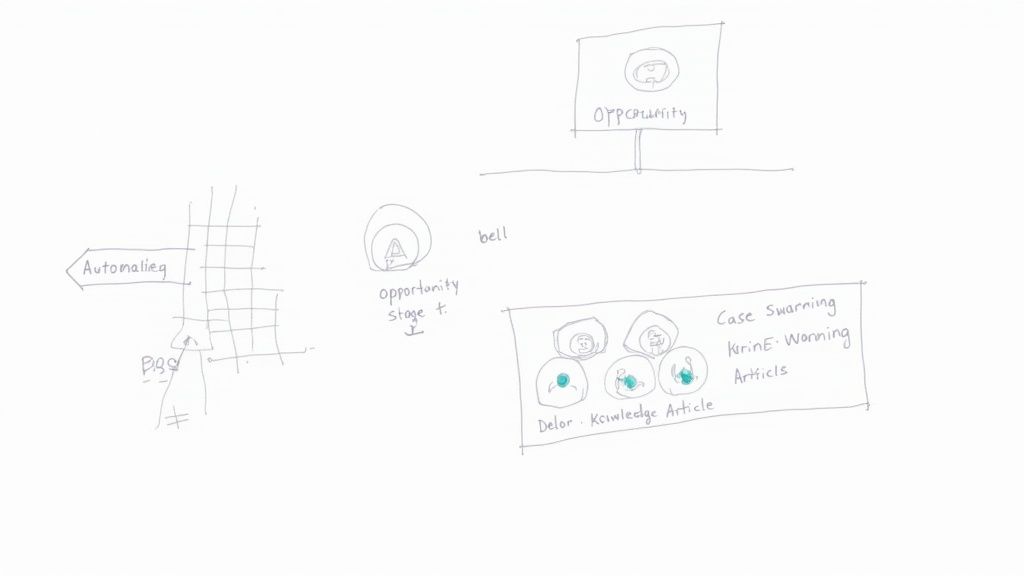
The primary benefit is that sales reps can update deal stages, add notes, and collaborate with colleagues without ever leaving the application where they are already working.
Accelerating Sales Cycles with Sales Cloud for Slack
The features within Sales Cloud for Slack are specifically designed to remove the friction that slows down the sales process. Instead of losing momentum by constantly switching between applications, your team can maintain forward progress on every deal.
Here are some of the most powerful capabilities:
- Automated Deal Alerts: Configure notifications for key moments, like a deal stage changing or a new lead being assigned, to keep everyone in the loop instantly.
- Dedicated Account Channels: Create specific channels for major accounts or opportunities, bringing together stakeholders from sales, legal, finance, and product to align on strategy.
- In-Channel Record Updates: Use simple commands or buttons within Slack to update Salesforce records, simplifying data hygiene and encouraging timely updates.
From our project experience, one of the simplest yet most effective automations is the 'deal win' notification. When a sales rep closes an opportunity in Salesforce, an announcement is automatically posted in a company-wide channel. It's a small change, but the impact on team morale and motivation is significant.
Transforming Customer Support with Service Cloud for Slack
The benefits are just as significant for customer service teams. Service Cloud for Slack helps agents resolve issues faster by bringing the full expertise of your organisation to every customer problem.
When a complex support case arises, an agent can instantly initiate a "swarm" in a dedicated Slack channel. This action pulls in subject matter experts from engineering, product, or any other department to collaborate on a solution in real-time.
Business Challenge: We worked with a client whose support metrics were suffering due to inefficient escalation processes.
The Salesforce Solution: By implementing the case swarming feature, experts could collaborate instantly on complex cases.
The Results: This new process slashed their average case resolution time by over 30%. It’s a perfect example of how this integration drives tangible business results, transforming a chaotic escalation into a structured, efficient process that leads to happier customers and a more empowered support team.
Real-World Examples of Business Transformation from a Salesforce Partner
Theory is one thing, but seeing the results in action is what truly matters. Integrating Slack for Salesforce isn't a minor operational tweak; it’s a genuine catalyst for business improvement. When you bring CRM data directly into the flow of daily conversations, organisations solve real challenges and achieve new levels of efficiency. We have seen this firsthand in our work with clients—connecting these two powerhouses leads directly to faster sales cycles and improved customer satisfaction.
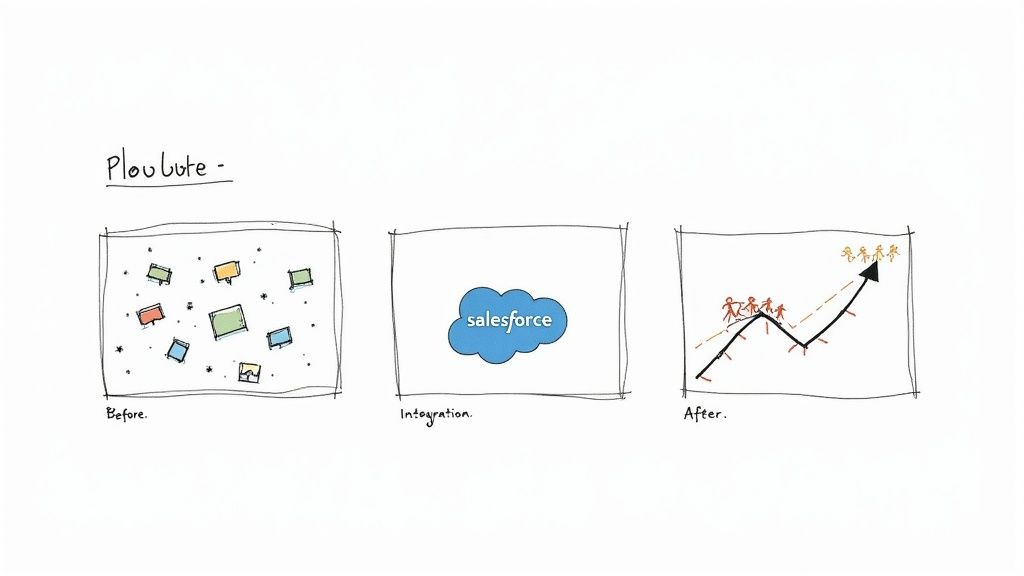
Let’s walk through two case study scenarios that demonstrate how this integration delivers tangible value. These examples, based on our experience as a Salesforce partner, highlight the powerful return on investment.
Use Case 1: Accelerating the B2B Sales Cycle
- The Business Challenge: A B2B technology client was hampered by a long, complex sales cycle. High-value opportunities required input from sales, legal, product specialists, and finance, but communication was fragmented across email chains and meetings. This caused significant delays and created a risk of key stakeholders missing crucial updates, jeopardising major deals.
- The Salesforce Solution: As their Salesforce partner, we implemented a solution centered on dedicated 'deal rooms' in Slack. The moment a major opportunity was created in Salesforce, a private Slack channel was automatically generated, pulling in all necessary stakeholders. The Salesforce record was pinned within the channel, creating a single source of truth.
- The Results: The impact was immediate. Sales reps received answers from the legal team in minutes, not days. Product specialists addressed technical queries in real-time, and finance approved terms without leaving the conversation. This collaborative model cut their average sales cycle time by nearly 20%.
Use Case 2: Improving First-Contact Resolution
- The Business Challenge: A service department was experiencing declining customer satisfaction scores, primarily due to low first-contact resolution rates. Support agents often needed to involve senior technicians for complex cases, but these experts were difficult to reach. Escalations were slow, involved multiple handoffs, and left customers frustrated.
- The Salesforce Solution: The solution was to leverage Service Cloud for Slack to create a "swarming" model for high-priority cases. When an agent received a complex ticket in Service Cloud, they could initiate a case swarm with a simple command. This instantly created a temporary Slack channel, pulling in a pre-defined group of subject matter experts.
- The Results: This approach transformed their support process. Experts could share knowledge articles, review diagnostic data, and guide the agent to a resolution, all within the Slack channel. Within three months, the company achieved a 40% increase in its first-contact resolution rate, leading to a significant boost in customer satisfaction scores. You can explore more stories of client success in our collection of Salesforce case studies.
These outcomes are further amplified by AI. Recent findings show that daily AI users in Australia are 64% more likely to rate their productivity as “very good” and 81% report very high job satisfaction. This demonstrates how intelligent tools built into platforms like Slack are not just automating tasks—they're empowering people to achieve more. You can learn more about how AI is boosting workplace productivity in the full report.
The Growing Role of AI in Your Digital HQ
The connection between Slack and Salesforce is already powerful, but integrating artificial intelligence transforms it from a collaboration tool into a genuine command centre for your business. This is not a far-off concept; this is practical AI that solves real-world business challenges today, making your teams faster and smarter.
Consider a sales manager joining a complex deal mid-cycle. Instead of spending hours piecing together the narrative from a lengthy channel history, Slack AI can provide an instant summary. It highlights critical decisions, outstanding actions, and next steps, bringing them up to speed in minutes. That is the kind of efficiency that delivers a real competitive advantage.
Making Your Salesforce Data Instantly Actionable
Beyond summaries, AI is fundamentally changing how we interact with the data stored in our CRM. When you combine Slack for Salesforce with tools like Einstein Copilot, you are no longer just viewing data—you are having a conversation with it, directly within your workspace.
Here’s what that looks like in practice:
- AI-Powered Search: A user can ask a question in natural language, such as, "Find the latest contract for the Alpha account," and the AI fetches and presents the document without them ever leaving Slack.
- Instant Deal Insights: An account executive can ask Einstein to summarise the latest activity on an opportunity. It pulls relevant data directly from Salesforce and presents it clearly and concisely in the Slack channel.
- Proactive Recommendations: AI can analyse the flow of a conversation and suggest the next logical step, whether that’s creating a follow-up task in Salesforce or adding a key stakeholder to the deal room.
This marks a significant shift in how teams operate. They are no longer passive consumers of data but are actively interacting with it. AI becomes a digital assistant that understands context and executes tasks, freeing up your people to focus on strategy and building customer relationships.
This trend toward intelligent automation is accelerating. In Australia, the adoption of AI tools at work has surged. Recent data from the Slack Workforce Index shows that 46% of Australian workers are now using AI in their roles. That’s a staggering 35% jump in just a few months, positioning Australia at the forefront of global AI adoption. You can explore these trends further in the latest Slack research on AI in Australia.
As a forward-thinking Salesforce partner, we see this as a critical evolution. AI is no longer a "nice-to-have"; it is a core component of a competitive digital HQ. By embedding this intelligence directly into the tools your teams rely on daily, you reclaim countless hours and empower smarter, data-driven decisions across your entire organisation. We expect to see this trend continue, as reflected in our review of the highlights of the Salesforce Winter '25 release.
Best Practices for a Successful Salesforce Implementation
A successful rollout of Slack for Salesforce requires more than connecting two platforms. To build a powerful digital HQ, you need a thoughtful strategy. Drawing from our hands-on experience as a Salesforce partner, we have identified best practices to help businesses sidestep common pitfalls and maximise their return on investment from day one.
It all starts with a clear purpose. Before configuring a single channel, define specific, high-value use cases. Don't try to solve everything at once; instead, pinpoint the biggest friction points in your current sales or service processes. Is it slow deal approvals? Or perhaps disjointed case escalations? Select one or two critical problems and focus on solving them first.
Establish a Solid Foundation
Once you know what you're solving, the next step is building a logical structure that can scale with your business. This means creating clear and consistent channel naming conventions. A predictable system (e.g., #acct-major-client, #opp-enterprise-deal, or #case-urgent-escalation) is the difference between organised collaboration and digital chaos, making information easily discoverable.
Another crucial component is setting up smart, actionable notifications. It is incredibly easy to overwhelm your team with a constant stream of alerts, which quickly leads to notification fatigue where everything is ignored. Be selective.
Lesson Learned from a Salesforce Project: One client initially enabled notifications for almost every field change in Salesforce. Within a week, the main sales channel was so cluttered that important updates on major deals were lost. We helped them refine the configuration to focus only on mission-critical alerts, like stage changes on high-value opportunities. The channel’s value was restored almost immediately.
Phase Your Rollout and Encourage Adoption
Rather than a "big-bang" launch that impacts everyone simultaneously, we always recommend a phased rollout. Start with a small, enthusiastic pilot group from your sales or service teams. This approach allows you to gather real-world feedback, identify unexpected issues, and fine-tune your setup in a controlled environment. These early adopters become your champions, helping to build momentum and drive wider adoption when you are ready for a company-wide launch.
It’s also vital to remember that this isn't just a technical change; it's a cultural one. A forward-thinking approach is key, and Australia is well-positioned for this. Australia’s ranking as seventh in Salesforce’s Global AI Readiness Index demonstrates how engaged the country's organisations are with new technologies. This readiness reflects a willingness across public and private sectors to adopt tools that drive efficiency. As the full report on global AI readiness insights shows, a proactive mindset is a massive factor in successful technology adoption. By following these best practices, you can ensure your Slack for Salesforce implementation delivers real, measurable business value.
FAQ: Your Top Slack for Salesforce Questions
As a Salesforce partner, we frequently receive questions about how the Slack for Salesforce integration works in a real-world business context. Here are concise answers to the most common queries we hear from decision-makers and Salesforce admins.
Is Slack for Salesforce Free to Use?
Yes, the basic connection is available to all Salesforce customers on a standard edition who also have a Slack plan (free or paid). This provides a foundational level of integration.
However, to unlock the powerful automation and more advanced features, you will need paid editions of both Salesforce (e.g., Sales Cloud or Service Cloud) and Slack. Consider the free integration the foundation, while premium subscriptions build the fully-featured digital HQ.
Can We Customise the Notifications?
Absolutely—and you should. One of the biggest risks of any new tool is alert fatigue, where your team begins to ignore constant notifications.
You have complete control over which Salesforce events trigger a Slack notification. The best practice is to be highly selective. Only configure alerts for high-value, actionable updates, such as a deal stage changing on a major opportunity or a high-priority service case being escalated. This ensures that notifications remain relevant and impactful.
How Secure Is the Data Shared Between Platforms?
Security is a core component of the integration. The connection relies on secure, authenticated APIs to protect your data in transit between Salesforce and Slack.
Crucially, Salesforce channels in Slack can automatically inherit the permissions from your Salesforce org. This means a user's access to records and data within a Slack channel mirrors their exact access rights in Salesforce, ensuring sensitive customer information remains secure and is only visible to authorised personnel.
What Is the Difference Between a Regular Slack Channel and a Salesforce Channel?
A standard Slack channel is primarily a space for conversation. A Salesforce Channel, however, is a workspace that is directly connected to a specific Salesforce record, such as an Account or Opportunity.
It includes special tabs that provide instant access to record details and related Salesforce data. This allows your team to view and update CRM information directly from the Slack conversation, making it a more focused and powerful tool for accomplishing business objectives.
Ready to stop switching between tabs and start collaborating where your team works? As an experienced Salesforce partner, Adaptal can guide you through a seamless Slack for Salesforce implementation that is tailored to your business operations. Let's connect today and build your digital HQ.