
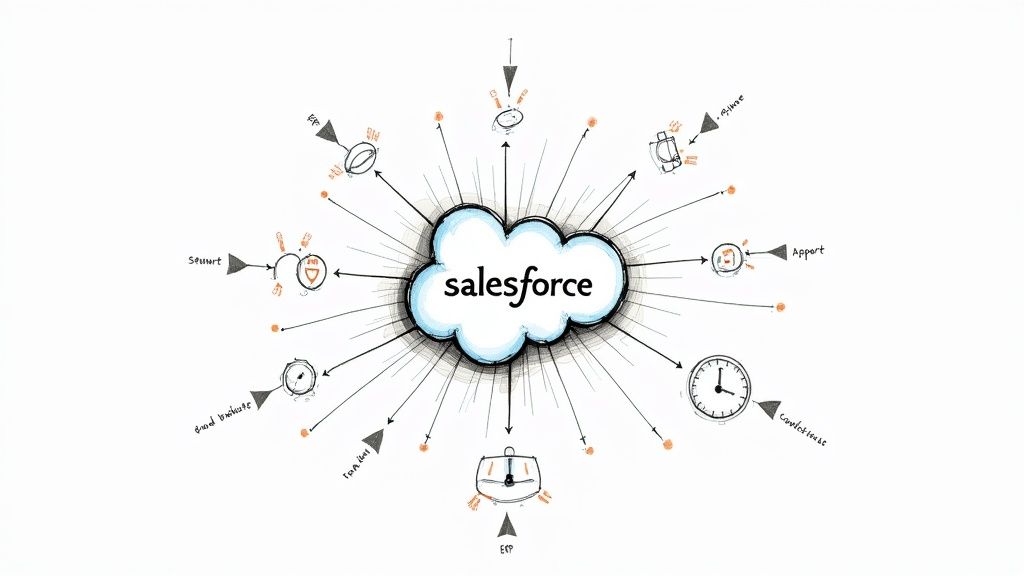
System integration is the strategic process of connecting separate software applications—like your Salesforce CRM, accounting software, and marketing platforms—so they can communicate and share data automatically. Think of it as creating a unified digital nervous system for your business, where information flows seamlessly between departments without manual intervention. This isn't just a technical task; it's a foundational step in building a more efficient, customer-centric organisation.
What System Integration Really Means for Your Salesforce-Powered Business
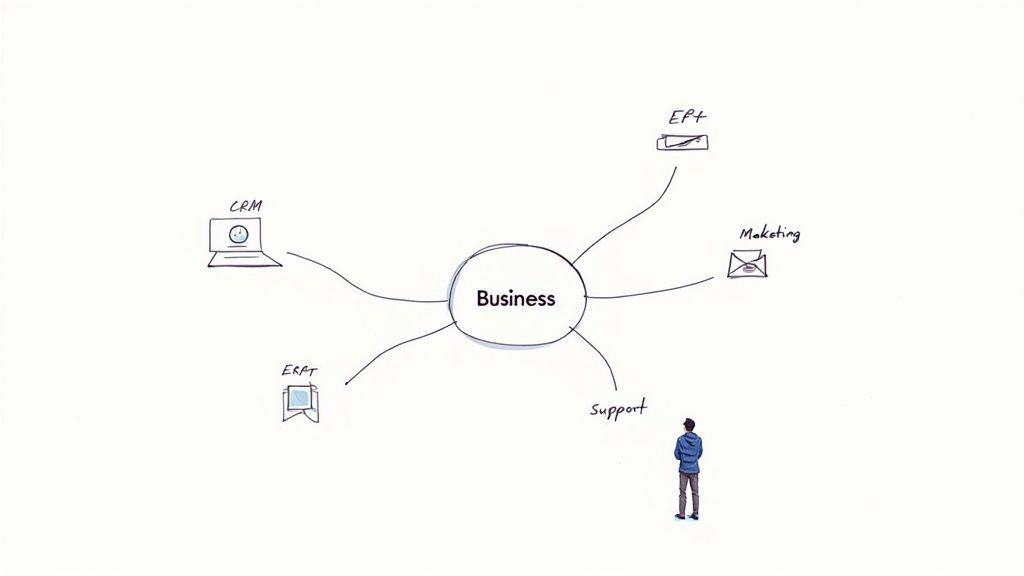
From our experience as a Salesforce partner, we see that system integration is a strategic move to unify your entire business around your customer. Imagine your technology stack as a team of specialists. Your Salesforce CRM is the expert on your customers, your ERP holds all financial and inventory data, and your marketing automation platform (like Account Engagement) tracks every prospect interaction.
Without integration, these specialists operate in isolation. This forces your staff to act as messengers, manually copying sales data from Salesforce into your accounting system or exporting marketing leads into your CRM. This manual work isn't just slow—it's a primary source of costly errors, inconsistent data, and a fragmented view of your customer journey.
The Business Challenge: Solving the Problem of Disconnected Data
The core problem that Salesforce integration solves is the existence of data silos. These are isolated pockets of information trapped within individual applications. When your systems are walled off from each other, your business suffers in several critical ways:
- Inefficient Workflows: Teams waste valuable time on repetitive data entry instead of focusing on high-value activities like nurturing leads or supporting customers.
- Poor Customer Experience: A support agent using Service Cloud can't see a customer's recent purchase from your e-commerce platform, or a salesperson is unaware of an open support ticket, leading to disjointed and frustrating interactions.
- Unreliable Reporting: When data is inconsistent across platforms, generating accurate reports for sales forecasting and business intelligence becomes nearly impossible.
A well-executed Salesforce integration acts as a universal translator for your technology. It ensures that when your sales team closes a deal in Sales Cloud, your finance system automatically generates an invoice, and your marketing platform updates the customer’s journey without anyone needing to intervene.
This automated communication is the key to achieving a genuine 360-degree view of your customer. As a Salesforce partner, we see this as the first critical step in any successful digital transformation. Understanding the role of Salesforce development consultants in digital transformation shows how expert guidance can turn a collection of separate apps into a powerful, unified business engine. By connecting your systems, you're not just moving data—you're building a smarter, more responsive organisation.
The True Business Impact of a Connected Salesforce Platform
Let’s move beyond the technical jargon and focus on what truly matters: business results. A strategic Salesforce integration isn't just another IT project; it's a direct investment in your operational efficiency and growth potential.
The most immediate benefit is the elimination of tedious, manual data entry. This instantly reduces human error and, more importantly, frees up your team to focus on work that actually adds value to your business.
Instead of mindlessly copying invoice details or marketing leads from one system to another, your sales team can dedicate more time to building relationships and closing deals. Your service agents, armed with a complete customer history at their fingertips, can resolve issues faster, leading to higher customer satisfaction. This is where the real return on your CRM investment begins.
From Disconnected Data to Unified Customer Experiences
When you integrate Salesforce with your finance, marketing, and operational platforms, you create a single, unified view of every customer interaction.
Case in Point: Imagine a sales rep preparing for a client call. Right within Salesforce, they can see the client's recent support ticket from Service Cloud and their latest payment history from your ERP. This level of insight transforms a standard sales call into a highly informed, personalised conversation.
A connected Salesforce platform gives your teams a competitive advantage in several key areas:
- Highly Accurate Sales Forecasts: With real-time financial and operational data flowing into Salesforce, your sales forecasts evolve from educated guesses to genuinely data-driven predictions.
- Proactive Customer Service: Your support team can see a customer's entire journey—from their first interaction with a marketing campaign to their most recent purchase—enabling smarter, more proactive support.
- Effective Marketing Automation: You can build incredibly targeted and personalised campaigns by leveraging rich, integrated data. To see how, check out our guide on Account Engagement best practice.
This table breaks down how integrating your systems with Salesforce addresses common business challenges and delivers measurable value.
How Salesforce Integration Drives Business Value
| Common Business Challenge | The Salesforce Integration Solution | Measurable Business Benefit |
|---|---|---|
| Inaccurate or outdated customer information leads to poor service. | Creates a single source of truth in Salesforce by syncing data from all connected systems. | Higher customer satisfaction scores and improved first-call resolution rates. |
| Sales and marketing teams operate in silos with conflicting data. | Unifies customer data, giving both teams a complete view of the entire customer journey in one platform. | Shorter sales cycles and increased marketing ROI through better-targeted campaigns. |
| Manual data entry wastes time and introduces costly errors. | Automates the flow of information between systems, eliminating repetitive copy-paste tasks. | Increased employee productivity and reduced operational costs from data errors. |
| Leaders lack a clear, real-time view of business performance. | Consolidates data from across the business into unified Salesforce dashboards and reports. | Faster, more confident decision-making based on reliable, up-to-the-minute insights. |
Ultimately, a well-integrated platform transforms Salesforce from a simple CRM into the central hub of your entire operation, driving smarter decisions and better performance across the board.
Driving Growth Through Operational Efficiency
For Australian businesses, operational efficiency is a critical driver of growth. Recent reports indicate that while around 90% of businesses have started connecting their systems to break down data silos, a staggering 18% have actually optimised them to achieve the full benefit.
The real competitive advantage comes from using that integrated data to plan your next move and scale with confidence. You can explore more insights from the 2025 Australian business growth report.
Ultimately, a well-executed system integration transforms Salesforce from a simple CRM into the central command centre for your entire business. It’s the foundation for making smarter decisions, automating complex processes, and outperforming the competition.
By connecting your core applications, you create a seamless flow of information that drives efficiency from the ground up. This doesn't just improve how you work today; it builds a scalable tech foundation that can support your company's bigger ambitions for years to come. As a trusted Salesforce partner, we've seen firsthand how this strategic approach moves businesses forward.
Choosing Your Salesforce Integration Strategy and Architecture
Deciding to integrate your systems is the first major step. The next, more critical decision is how to connect them. The integration architecture you choose will determine the scalability, flexibility, and future-readiness of your connected Salesforce ecosystem. Not all approaches are created equal, and the right one depends entirely on your business’s current needs and future goals.
Think of it like designing the wiring for a new office. You could run a separate, direct wire for every single connection. It works, but you’d quickly end up with a chaotic mess that’s impossible to manage or change. This is precisely what happens with the most basic integration method.
Point-to-Point: Simple, but Creates Long-Term Problems
Point-to-Point (P2P) integration is the most direct approach. It creates a single-purpose bridge between two applications, like connecting Salesforce directly to your ERP to sync invoices.
This method is fast for a one-off need. The problem arises as your business grows and you add more applications. This model quickly evolves into "spaghetti integration," a tangled web of connections where each new system needs a dedicated link to every other system. Maintenance becomes a complete nightmare, and the system becomes incredibly brittle.
Hub-and-Spoke: A More Organised, but Rigid Approach
A cleaner method is the Hub-and-Spoke model. Here, a central hub (often an "Enterprise Service Bus" or ESB) acts as a middleman. Instead of connecting directly, each system plugs into this central hub, which manages data routing and transformation.
This is a significant improvement over P2P as it reduces the number of connections and centralises management. However, this model can be rigid. The central hub can become a performance bottleneck, and if it fails, the entire network can go down with it. It's organised, but it often lacks the agility modern businesses require.
API-Led Connectivity: The Gold Standard for Salesforce Integration
The most modern and effective strategy is API-led connectivity, often powered by platforms like MuleSoft. This approach treats each system’s data and functions as reusable, secure building blocks exposed through Application Programming Interfaces (APIs).
Instead of rigid, hardwired connections, you build a flexible network where applications can plug in and share data as needed. This architecture is designed for change, allowing you to add new systems, swap out old ones, and adapt to new business processes without a complete overhaul. It's the digital equivalent of a modern, cloud-based switchboard. This approach is fundamental to a successful digital transformation, a topic we cover in our comprehensive Salesforce Implementation Guide for Australia.
The diagram below illustrates how a well-planned integration directly supports core business outcomes.
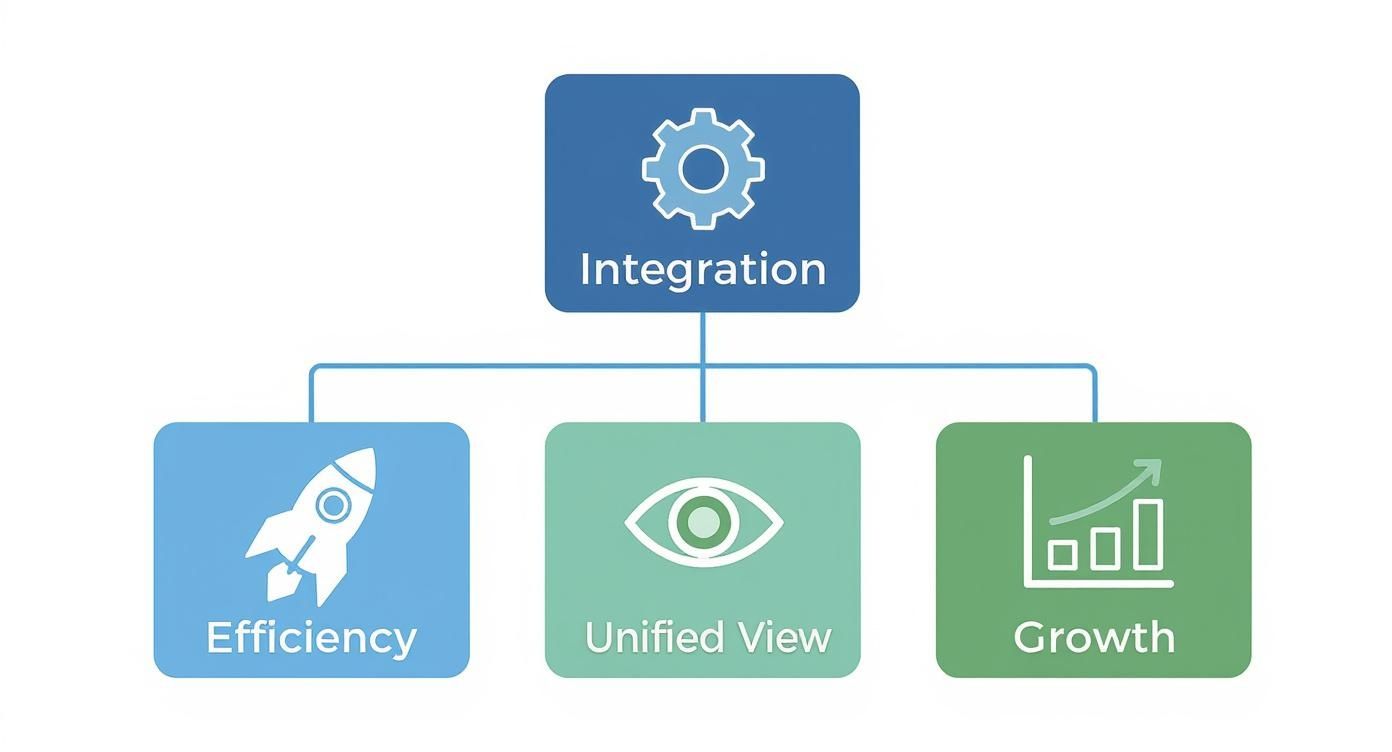
This visualisation makes it clear: integration is the foundation for achieving greater efficiency, a unified customer view, and sustainable growth. For a deeper dive, it's worth understanding the differences between Request-Driven vs. Event-Driven Architecture. For any business serious about scaling with Salesforce, an API-led strategy is the undisputed winner.
A Salesforce Integration Project in the Real World: A Case Study
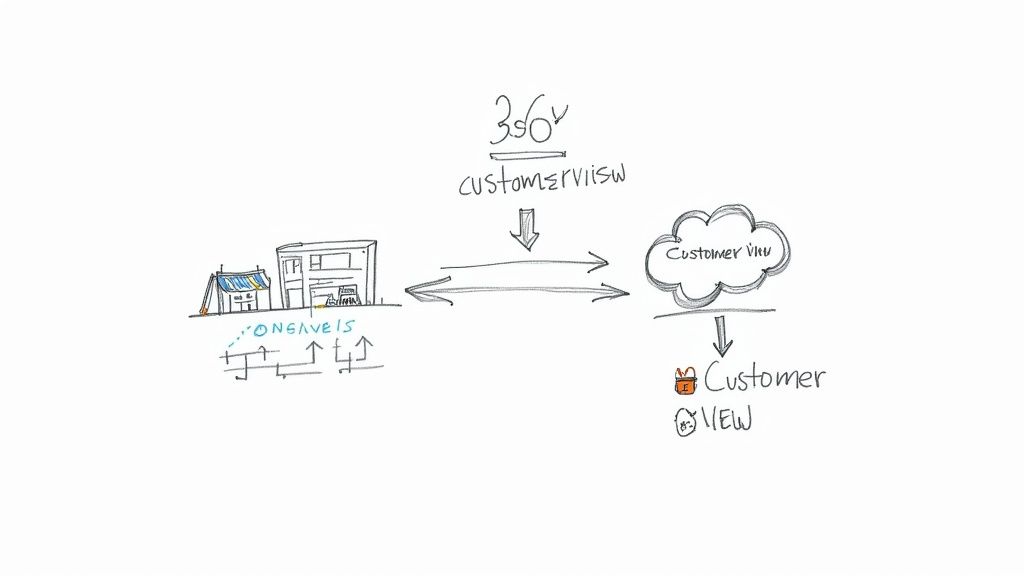
Theory and architecture are important, but the real value becomes clear when you see integration solve actual business problems. Let's walk through a common scenario we encounter as a Salesforce partner, focusing on a growing Australian e-commerce company.
This business was expanding rapidly, but its success was causing significant operational friction. Their tech stack was a patchwork of disconnected systems: Shopify for their online store, a separate warehouse system for inventory, and customer service managed in Salesforce Service Cloud.
The Business Challenge: Disconnected Systems Harming Customer Experience
The inability of these platforms to communicate created daily headaches that were actively hindering growth. Each department operated with its own version of the truth, leading to costly mistakes and a disjointed customer experience.
The core problems were clear:
- Frustrated Support Agents: When a customer called, the support team in Service Cloud couldn't see live order details from Shopify or check real-time stock levels. Agents were constantly switching between screens, which increased call times and frustrated customers.
- Blind Sales Teams: The sales team had no visibility into customer service interactions. They might call a client to upsell a new product, completely unaware that the same person had an unresolved support ticket, damaging the relationship.
- Inaccurate Stock Levels: Because the inventory system didn't sync automatically with Shopify, the website would sometimes sell out-of-stock products. This led to cancelled orders, fulfillment delays, and unhappy customers.
The Salesforce Solution: An API-Led Integration Strategy
As their Salesforce partner, our first step was to design a solution that established a single source of truth. The goal was to make Salesforce the central hub where all customer, order, and inventory data would flow, providing that coveted 360-degree view.
We implemented an API-led integration strategy to build secure, real-time bridges between their key systems, connecting Shopify and their inventory management platform directly into Salesforce. When tackling such a project, exploring tools like an App for Salesforce integration can accelerate development.
This type of digital transformation project is becoming common. The Australian system integration market, valued at around USD 9.31 billion, is expected to nearly double by 2030, driven by the need to connect legacy systems with modern cloud platforms like Salesforce.
The Results: Increased Efficiency and Happier Customers
Once the systems were integrated, the transformation was immediate and profound. The business moved from data chaos to operational clarity.
By making Salesforce the central nervous system of their operation, the company unlocked a new level of operational maturity. They weren't just fixing technical issues; they were fundamentally changing how their teams worked together to serve customers.
The measurable results spoke for themselves:
- A True 360-Degree Customer View: Support agents could now see a complete customer history—every order, payment, and past service ticket—all within their Salesforce console.
- Automated Workflows: A new order in Shopify automatically created records in Salesforce, triggering tasks for the fulfillment team without manual intervention.
- Improved Customer Satisfaction: With instant access to real-time information, the support team resolved customer queries 30% faster, leading to a significant increase in customer satisfaction scores.
Avoiding Common Pitfalls in Your Salesforce Integration Project
From our experience delivering Salesforce projects, we’ve learned that a successful integration is about more than just technology. It requires a careful alignment of people, processes, and a clear business strategy. The most promising projects can be derailed by predictable hurdles, and navigating them is key to achieving a positive return on investment.
Many initiatives stumble due to poor data quality. Integrating systems with inconsistent, duplicated, or inaccurate data is like building a house on a shaky foundation. The old adage "garbage in, garbage out" has never been more true in the context of CRM data.
Another common pitfall is initiating an integration project without a clear business objective. A project that doesn't solve a specific, well-defined problem quickly becomes a costly technical exercise that fails to deliver meaningful value.
Setting Your Salesforce Project Up for Success
To sidestep these traps, a proactive and strategic approach is essential. The most successful integration projects we’ve delivered for clients always begin with these non-negotiable best practices:
- Conduct a Pre-Integration Data Audit: Before any development begins, a thorough data audit is crucial. This involves identifying all data sources, cleaning up existing records, and establishing clear data governance rules. For more on this, see our guide on data storage and file deletion best practices.
- Develop a Phased, Business-Aligned Roadmap: Don't try to boil the ocean. A successful integration is a journey. A phased roadmap, with each stage tied to a specific business goal, ensures you deliver tangible value early and build momentum for subsequent phases.
- Choose Scalable, API-First Platforms: Selecting the right tools is critical. Modern, API-first platforms like Salesforce are designed for connectivity and scale, making them a much safer investment than rigid, legacy systems that are difficult to adapt.
Prioritising Security and Governance from Day One
In today's digital landscape, treating security and governance as an afterthought is a critical mistake. As businesses adopt more cloud services, their potential attack surface widens, making robust security an absolute necessity.
A secure integration isn't a feature you add at the end—it's a foundational requirement. Building security protocols and governance rules into your project from the very beginning is the only way to protect your data, ensure compliance, and maintain customer trust.
The demand for secure, interoperable systems is a major driver of IT investment in Australia. Projections show that IT spending is set to hit AUD 147 billion, with organisations increasing cybersecurity budgets by an average of 33%. This trend, highlighted in these Australian IT market trends and insights, underscores the importance of a security-first mindset in any integration project.
By addressing these key areas from the start, your Salesforce integration project transforms from a risky technical exercise into a powerful strategic business enabler.
Frequently Asked Questions about Salesforce Integration
Embarking on a system integration project naturally brings up many practical questions. As a dedicated Salesforce partner, we've guided countless businesses through this process and have heard the same queries from decision-makers time and again. Here are straightforward answers to help you plan your next steps.
How Long Does a Typical Salesforce Integration Project Take?
The honest answer is: it depends on the complexity. The timeline for a Salesforce integration varies significantly based on your objectives.
A simple, point-to-point connection between Salesforce and another cloud application might take a few weeks to plan, build, and test. However, a more ambitious, multi-system integration with complex business logic, especially one using a dedicated platform like MuleSoft, could span several months.
The smartest strategy is often a phased approach. By breaking the project into smaller, manageable stages, you can start delivering business value quickly and build momentum. This is far less risky than a single "big bang" launch.
This iterative method allows your team to adapt and learn as you go, ensuring the final solution is perfectly aligned with your business needs.
What Is the Difference Between System Integration and Data Migration?
It’s easy to confuse these two terms, but they address entirely different business needs.
- Data Migration: This is a one-time process of moving a specific set of data from an old system to a new one. For example, moving all your customer contacts from legacy software into Salesforce during initial setup. Once the data is moved, the project is complete.
- System Integration: This is about creating an ongoing, automated dialogue between systems. It builds a permanent bridge that allows separate applications to continuously share data in near real-time, keeping your entire technology stack synchronised every day.
In short, migration is about relocating your data’s home; integration is about teaching your systems to communicate permanently.
How Do We Choose the Right Salesforce Integration Partner?
Selecting the right partner is arguably the most critical decision in this process. A good partner brings more than just technical skills; they act as a strategic advisor who understands your business.
Look for a Salesforce partner with proven, hands-on experience in your industry. They must have deep expertise in the applications you want to connect, whether that’s an ERP like NetSuite, accounting software like Xero, or other enterprise systems. They need to understand not just the technology, but your unique business processes and strategic goals.
Always ask for detailed case studies and speak to their past clients. A great partner will have a clear track record of delivering scalable, secure solutions that solve real-world business problems and deliver measurable results.
At Adaptal, we don't just connect systems; we build strategic solutions that power your growth. If you're ready to unlock the full potential of your Salesforce platform through expert integration, we should talk. Contact us for a consultation and let's explore how we can help you build a more connected and efficient business.
Pingback: A Guide To Consulting For Salesforce In Australia